Creating your first online course sounds exciting — until you actually try to build one.
You open a blank document.
No structure.
No lesson plan.
No idea how to record.
No clue how to sell it.
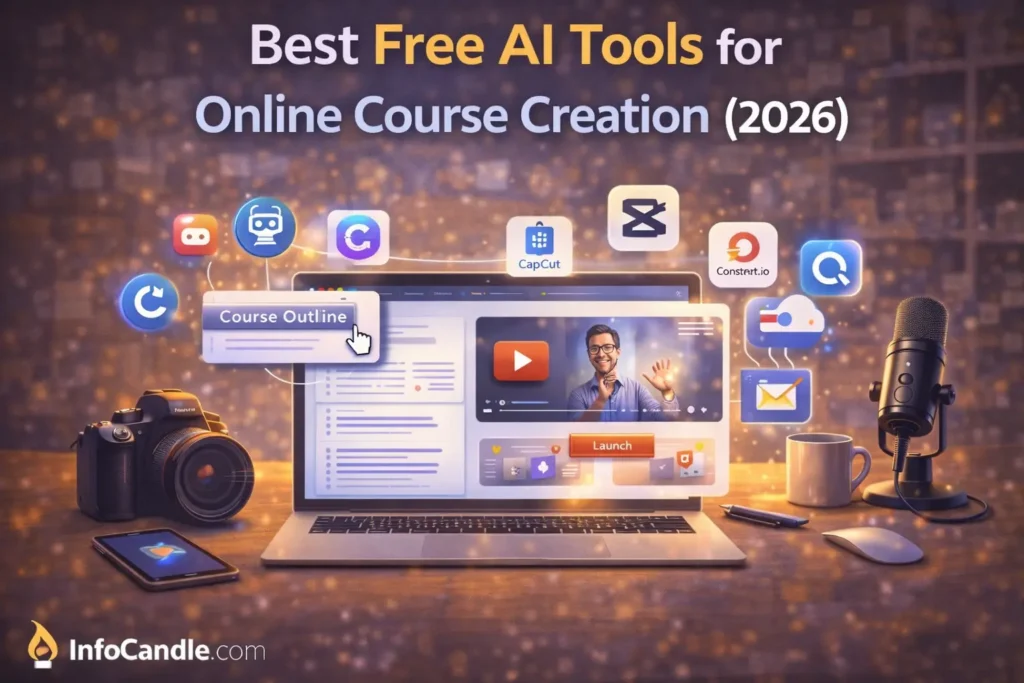
That’s exactly why free AI tools for online course creation are becoming so popular in 2026. They help beginners plan content, design slides, record lessons, and even launch sales pages without expensive software.
When I tested these tools to build a small “Python Basics for Beginners” course, one thing I noticed was this: structure becomes easy when AI handles the heavy lifting.
Let’s break everything down properly.
Why Creators Need Free AI Tools for Online Course Creation
Building a course involves multiple steps:
- Topic validation
- Curriculum planning
- Script writing
- Slide design
- Video editing
- Sales funnel setup
- Email automation
Without help, this feels overwhelming.
Using free AI tools for online course creation, beginners can:
- Plan faster
- Reduce technical confusion
- Create professional-looking materials
- Save money
- Launch sooner
Most people delay launching because perfection blocks them. AI removes that barrier.
Best Free AI Tools for Online Course Creation (2026)
Below are the most practical tools you can use right now.
1) ChatGPT – Course Planning & Script Writing
What it is:
AI writing assistant for outlines, lessons, quizzes, and exercises.
How course creators use it:
- Generate full curriculum
- Create lesson breakdown
- Write teaching scripts
- Build quiz questions
Example:
Ask:
“Create a 6-week beginner graphic design course outline.”
You’ll get modules, lessons, and progression logic instantly.
Key Features:
- Structured outlines
- Lesson scripting
- Simplifying complex topics
- Quiz generation
Free Limitations:
Message limits apply in free version.
Best Use Case:
Planning and writing course content.
If you’re using multiple free AI tools for online course creation, ChatGPT will likely be your starting point.
2) Canva – Slides & Course Materials
What it is:
Design platform with presentation and ebook templates.
How creators use it:
- Course slides
- Workbooks
- Printable worksheets
- Lead magnets
Example:
You can design a 40-slide presentation in under 2 hours using templates.
Key Features:
- Presentation layouts
- AI design suggestions
- Drag-and-drop editing
Free Limitations:
Premium templates locked.
Best Use Case:
Visual course materials.
Many beginners combine Canva with other free AI tools for online course creation to build professional-looking products.
3) CapCut – Lesson Video Editing
What it is:
Free AI-powered video editor.
How creators use it:
- Trim recordings
- Add subtitles
- Remove silence
- Add intro/outro
Example:
Record lesson → import → auto captions → export.
Key Features:
- Auto captions
- Silence remover
- Templates
Free Limitations:
Some advanced export features limited.
Best Use Case:
Editing short and medium-length course lessons.
4) Notion AI – Course Organization
What it is:
Workspace + AI writing tool.
How creators use it:
- Create course roadmap
- Track module progress
- Manage student dashboard
Example:
Create a Notion page where students check off completed lessons.
Free Limitations:
Limited AI responses monthly.
Best Use Case:
Planning and organization.
Using free AI tools for online course creation like Notion makes backend management easier.
5) Systeme.io – Funnel & Hosting
What it is:
All-in-one platform for sales funnels and course hosting.
How creators use it:
- Landing page
- Email automation
- Course delivery
Key Features:
- Funnel builder
- Email campaigns
- Course hosting
Free Limitations:
Limited contacts and features.
Best Use Case:
Launching and selling.
Without tools like this, your free AI tools for online course creation workflow remains incomplete.
6) ConvertKit – Email Marketing
What it is:
Email marketing platform.
How creators use it:
- Build subscriber list
- Send course updates
- Launch sequences
Free Limitations:
Free up to certain subscriber count.
Best Use Case:
Building long-term income.
7) Gumroad – Simple Selling Platform
What it is:
Platform to sell digital downloads.
How creators use it:
- Sell ebooks
- Sell mini-courses
- Sell templates
Best Use Case:
Beginners launching first product.
Comparison Table
| Tool | Best For | Writing | Video | Design | Selling | Beginner Friendly |
|---|---|---|---|---|---|---|
| ChatGPT | Course content | Yes | No | No | No | High |
| Canva | Slides & materials | Limited | No | Yes | No | High |
| CapCut | Video editing | No | Yes | Limited | No | High |
| Notion AI | Planning | Yes | No | No | No | Medium |
| Systeme.io | Funnels | Limited | No | Limited | Yes | High |
| ConvertKit | No | No | No | Yes | High | |
| Gumroad | Digital sales | No | No | No | Yes | High |
Step-by-Step: Use Free AI Tools for Online Course Creation
Here’s a simple 7-step system:
1. Pick a Specific Topic
Not “Marketing.”
Instead: “Instagram Marketing for Local Businesses.”
2. Create Course Outline
Use ChatGPT to structure modules.
3. Write Scripts
Short, focused lessons.
4. Design Slides
Use Canva.
5. Record & Edit
Use CapCut.
6. Build Landing Page
Use Systeme.io.
7. Launch & Collect Emails
Use ConvertKit.
This system combines multiple free AI tools for online course creation into one clean workflow.
Common Mistakes Beginners Make
Even with powerful free AI tools for online course creation, many fail because:
- They choose broad topics
- They delay launch
- They don’t validate demand
- They overcomplicate tech
- They copy AI content without editing
One thing I noticed while testing:
Simple courses sell better than complicated ones.
FAQs
Are free AI tools for online course creation reliable?
Yes, when used properly and combined with manual editing.
Can I create a course without technical skills?
Yes. These tools reduce technical barriers significantly.
How long should my first course be?
60–90 minutes total is perfect.
Do I need paid tools later?
Maybe for scaling, but beginners can start completely free.
Is online course creation profitable in 2026?
Yes, especially in skill-based niches like coding, marketing, and design.
Conclusion
In 2026, launching a course is no longer complicated.
With free AI tools for online course creation, beginners can plan, design, record, and sell without hiring a team.
The tools reduce friction.
But execution is still your responsibility.
Start small.
Launch fast.
Improve based on feedback.
That’s how real digital creators grow.
Make sure to read our other guide on Best Free AI Tools for Content Creation.