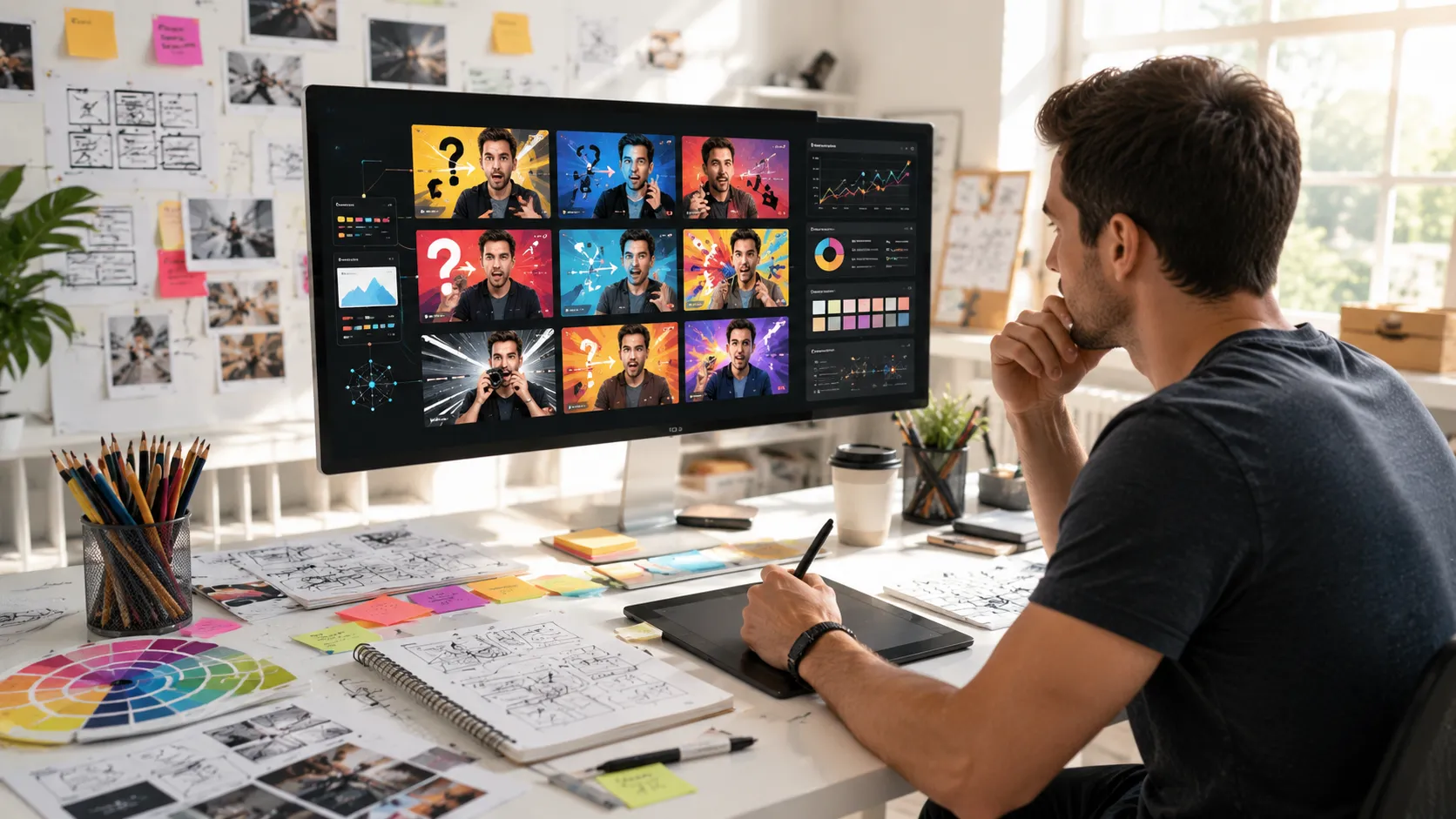
I’ll never forget the three hours I spent wrestling with Photoshop, trying to create a single thumbnail for a YouTube video back in 2019. The final result? Mediocre at best. My click through rate sat at a depressing 2.1%, and I knew something had to change.
Fast forward to today, and the landscape has shifted dramatically. AI thumbnail generators have emerged as genuine game changers for content creators like myself who need professional looking visuals without the design degree or the budget for a full-time graphic designer.
What Actually Are These Tools?
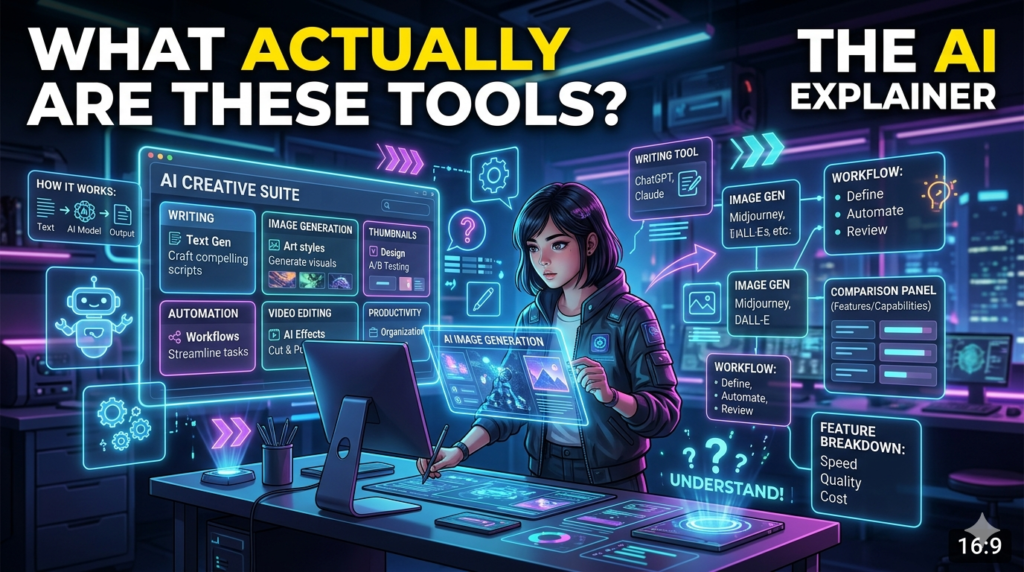
An AI thumbnail generator is essentially software that uses machine learning algorithms to create eye catching thumbnail images based on your input. You might type a description, upload a reference image, or select from style templates, and the system generates custom thumbnails in seconds or minutes rather than hours.
These aren’t just filters slapped onto stock photos. The better platforms analyze millions of high performing thumbnails to understand what grabs attention the color schemes that pop in a feed, the text placement that doesn’t get cut off on mobile, the facial expressions that stop the scroll.
Why I Started Using Them (And Why You Might Too)
After burning out on design work that took away from actual content creation, I tested my first AI thumbnail tool about eighteen months ago. The learning curve surprised me it was much shorter than I expected, though not quite the magic button some marketing promised.
The real value became clear after my first month. My average thumbnail creation time dropped from 45 minutes to about 8 minutes. More importantly, my click through rates climbed from that dismal 2.1% to around 4.7%. Not earth shattering, but enough to significantly boost my video views without changing anything else about my content strategy.
The Practical Benefits I’ve Noticed
Speed matters more than I realized: When you’re publishing three videos a week, saving 30-40 minutes per thumbnail adds up fast. That’s nearly two extra hours weekly I can spend on research, scripting, or filming.
Consistency became easier: One struggle I had with manual design was maintaining a cohesive brand look across thumbnails. AI generators let me save style presets, so all my thumbnails share visual DNA even when covering different topics. My channel started looking more professional almost immediately.
A/B testing became realistic: Before, creating two different thumbnail versions meant double the design work, so I rarely tested. Now I generate three or four variations, upload them through YouTube’s test and compare feature, and let actual data tell me what works. This single change taught me more about my audience than a year of guessing.
The Limitations Nobody Talks About
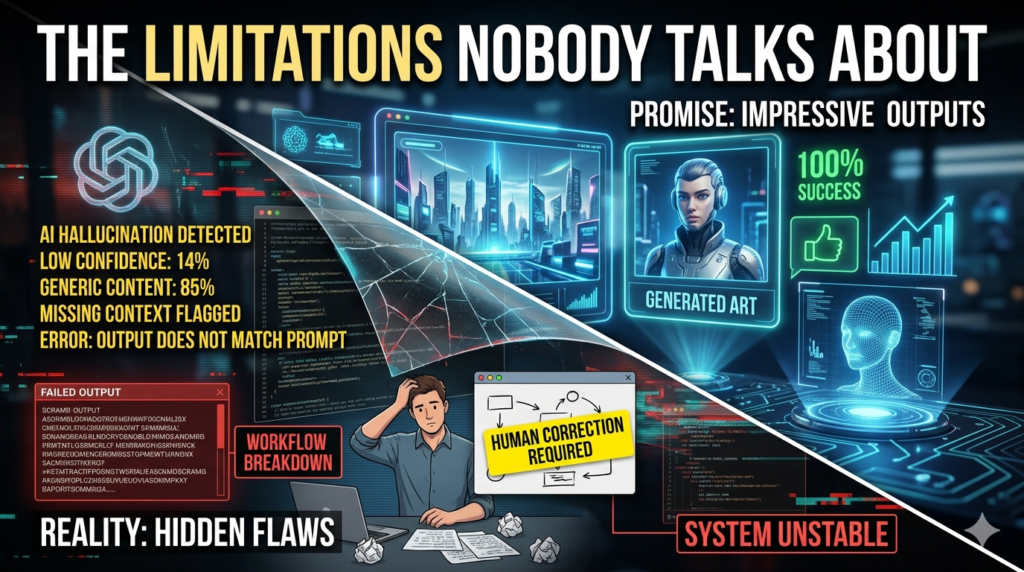
Here’s the thing these tools aren’t perfect, and pretending otherwise does nobody any favors. Text rendering can be wonky. I’ve had generators create thumbnails where the font looked fantastic in the preview but became unreadable at actual thumbnail size. You absolutely need to preview everything at the 1280×720 resolution but view it as if it’s tiny on a mobile screen. What looks bold and clear on your monitor might turn into a blurry mess on a phone. Generic output is a real risk. If you rely entirely on default settings and popular templates, your thumbnails might look… well, like everyone else’s.
The AI learns from existing successful patterns, which means it can produce competent but uninspired work if you don’t guide it with specific creative direction. Face integration remains tricky. Some platforms let you upload a photo of yourself to incorporate into thumbnails. In my experience, this works about 70% of the time. The other 30%? You get weird cropping, unnatural lighting mismatches, or expressions that look off. Always review before publishing.
Getting Better Results: What I’ve Learned
Start with clarity. Vague prompts like cool gaming thumbnail produce vague results. I get much better output with specific descriptions: close-up shocked expression, purple and orange color scheme, bold yellow text saying NEW UPDATE, dark background with subtle tech patterns. Use the tools as starting points, not final products. I typically generate a thumbnail, download it, then make small tweaks in a simple editor like Canva. Maybe I adjust text size, swap out one element, or fine tune colors.
This hybrid approach gives me 80% of the design work done automatically while maintaining creative control over the details that matter. Study your analytics religiously. The thumbnails I think look best often underperform compared to ones that felt too bold or simple when I created them. Your audience’s preferences matter more than your personal taste, and AI generators make it practical to test assumptions rather than just guessing.
The Bigger Picture for Content Creators
These tools represent something larger than convenient design shortcuts. They’re democratizing visual content creation in ways that weren’t possible five years ago. I know creators with zero design background who now produce thumbnails that rival those from channels with full production teams. That levels the playing field considerably. Your success becomes more about your actual content quality and less about whether you can afford professional graphics. There’s a legitimate question about whether this leads to visual homogenization everyone’s thumbnails starting to look similar because we’re all using the same AI models trained on the same successful examples.
I’ve noticed certain styles becoming oversaturated. The exaggerated shocked face with red arrows pointing at things? That template is getting tired because every third creator uses some variation. The solution, I think, is staying creative with how you use these tools rather than accepting their first suggestion. Treat them like intelligent assistants that handle technical execution while you focus on the creative direction.
My Current Approach
These days, I use AI thumbnail generators for about 80% of my thumbnails. The other 20% important videos, series launches, special projects I either design manually or hire a designer. That balance works for me.
I typically spend 10-15 minutes per AI-generated thumbnail: a few minutes creating it, a few minutes reviewing and tweaking, and a few minutes checking how it looks across different devices and placements. It’s not instant, but it’s manageable alongside everything else running a channel demands.
The Bottom Line
AI thumbnail generators won’t automatically make your content go viral or substitute for compelling videos. They’re tools, and like any tool, they’re only as effective as the person using them. For creators grinding out consistent content, though? They’re genuinely useful. They’ve saved me dozens of hours, improved my channel’s professional appearance, and made A/B testing practical enough to actually do regularly.
If you’re on the fence, most platforms offer free trials. Test one for a week with your actual content. Track your click through rates before and after. Let the data guide your decision rather than marketing hype or skepticism. The thumbnail struggle is real, but it doesn’t have to eat up hours of your creative time anymore.
FAQs
Q: Do AI thumbnail generators work for platforms besides YouTube?
A: Yes, most work well for Instagram posts, blog featured images, podcast artwork, and social media graphics. Just adjust the dimensions for each platform’s requirements.
Q: Are these tools actually free?
A: Many offer free tiers with limited generations or watermarks. Professional features typically require subscriptions ranging from $10-50 monthly depending on usage volume and features.
Q: Can I copyright thumbnails made with AI generators?
A: This is evolving legally, but generally, if you significantly customize the output, you have stronger copyright claims. Check each platform’s terms regarding commercial use and ownership.
Q: Will viewers know my thumbnail was AI-generated?
A: Not if you customize and review properly. The goal is a professional result, and the tool you used to create it isn’t visible to viewers.
Q: How do I choose between different AI thumbnail generators?
A: Test several with your actual content. Compare output quality, ease of use, customization options, and pricing. What works best varies by your specific needs and design preferences.
