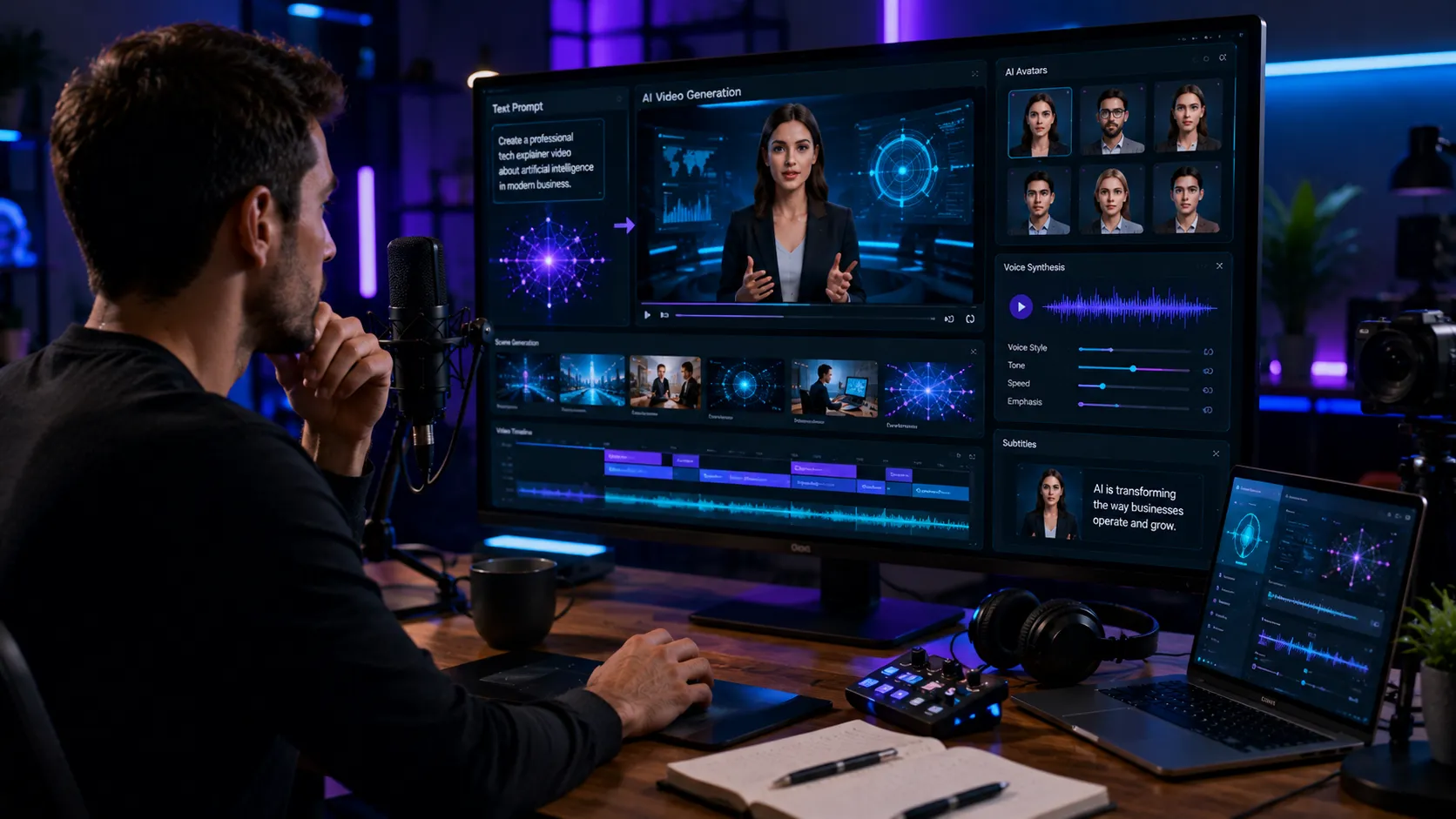
The rise of the AI video generator has changed the way people think about video production. A task that once required cameras, lights, editing software, voice actors, motion graphics, and days of work can now be done in minutes with the right text prompt, script, or image input. That shift is not just convenient it is reshaping marketing, training, social media, education, and even internal business communication. What makes this technology so compelling is not simply speed.
It is the way it lowers the barrier to creating video content at scale. For years, video was one of the most effective forms of online communication, but also one of the most resource heavy. Many small businesses, solo creators, and startups wanted to use video more often but could not keep up with the cost or production time. AI video generation is changing that equation.
What Is an AI Video Generator?
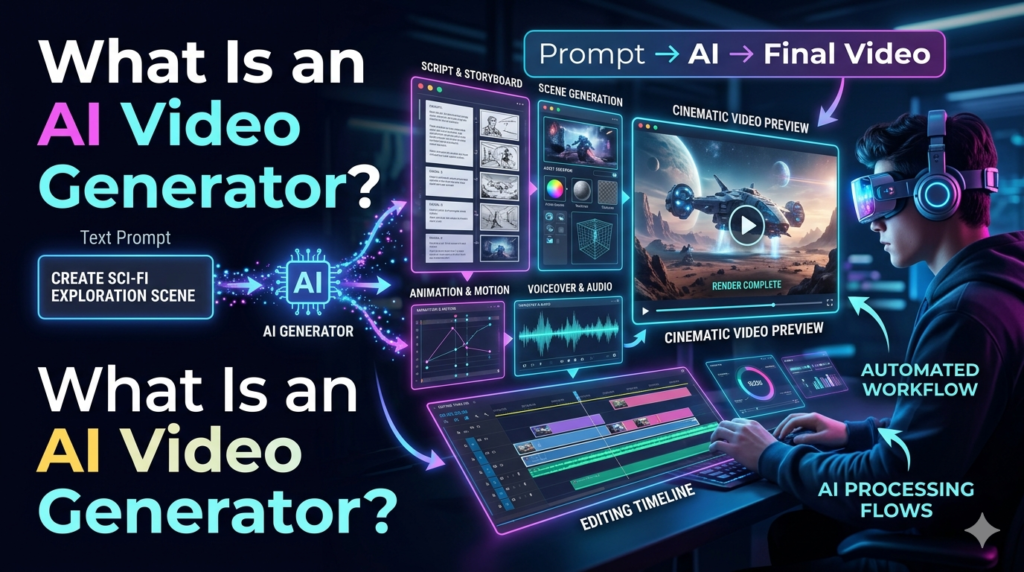
An AI video generator is a tool that uses artificial intelligence to create videos from text, scripts, images, audio, or combinations of these inputs. Some platforms generate fully synthetic presenters, while others turn blog posts into animated clips, product descriptions into explainer videos, or still images into motion based scenes. In simple terms, it is like having a basic production studio inside software. You provide the idea, and the system assembles visuals, narration, transitions, subtitles, and sometimes even background music.
Different tools specialize in different tasks:
- Text to video: tools convert written prompts or scripts into a full video.
- Avatar based video tools: use digital presenters to deliver content.
- Image to video: generators animate still images into short clips.
- Script to video: platforms turn articles, outlines, or presentations into usable video content.
The quality varies widely, but the technology has improved enough that many outputs are now good enough for marketing, training, and social content.
Why AI Video Generators Became So Popular
The growing demand for short-form video, product explainers, and personalized content has created the perfect environment for AI video tools to thrive. Businesses want more video, more often, across more channels. Traditional production simply cannot keep pace without significant cost.
A few reasons explain the surge:
1. Speed
A video that might take a small team two days can now be drafted in under an hour. That does not mean every result is perfect, but it does mean teams can move much faster.
2. Cost savings
Hiring videographers, editors, voice talent, and motion designers adds up quickly. An AI video generator can reduce the need for a full production pipeline, especially for routine content.
3. Scalability
Brands that need dozens of videos for product pages, ad variations, or localized campaigns can produce far more content with AI support than with manual editing alone.
4. Accessibility
People without technical editing skills can now make videos. This is especially useful for teachers, founders, small business owners, and solo marketers.
Common Use Cases for AI Video Generators
The most practical use of an AI video generator depends on the goal. In many cases, the tools are not replacing human creativity — they are handling repetitive or time consuming production work.
Marketing and advertising
Marketers use AI video generators to create social ads, product teasers, and promotional clips. A retailer, for example, can turn product copy into a 20-second Instagram ad without booking a studio shoot.
Training and onboarding
Companies often need simple, repeatable training content. AI tools can generate onboarding videos, process explainers, and internal tutorials in a fraction of the time.
Education
Teachers and course creators use AI video generators to break down lessons into engaging visual content. A complex topic like cybersecurity or financial literacy becomes easier to digest with animated scenes and narration.
E-commerce
Product demos, feature highlights, and how to videos are useful for online shoppers who want a quick understanding before buying. AI makes it easier to create these at scale.
Social media
Short-form content is one of the biggest winners here. Many creators use AI to repurpose blog posts, headlines, or talking points into quick videos for TikTok, YouTube Shorts, and Instagram Reels.
How an AI Video Generator Works Behind the Scenes
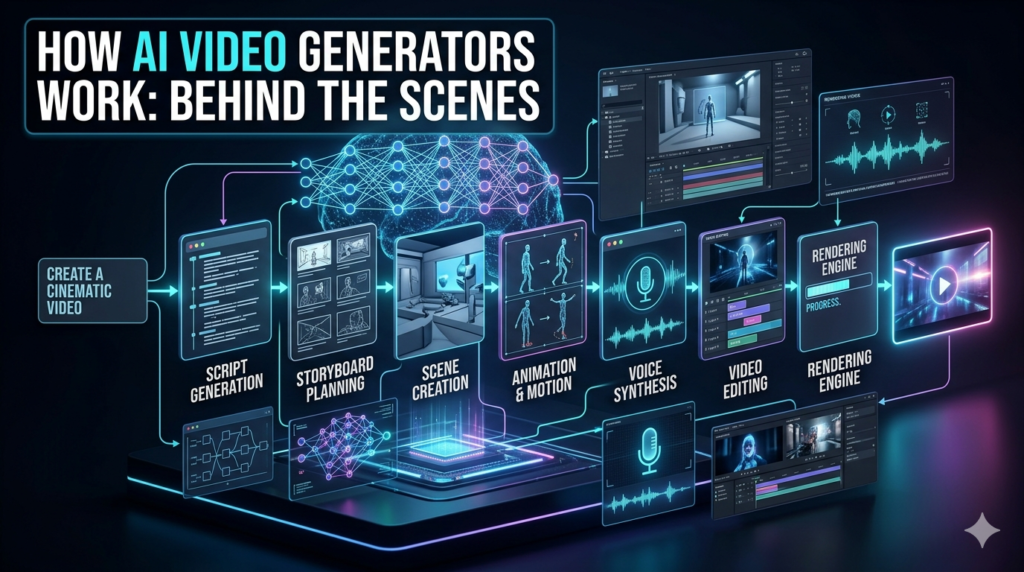
Most people never see the technical side, but the process usually follows a pattern.
First, the system interprets the input whether that is a script, prompt, or uploaded media. Then it matches the text to relevant scenes, stock footage, animations, avatars, or generated visuals. If narration is needed, the platform may create synthetic voiceover or allow the user to upload audio.
Some tools also handle:
- automatic subtitles
- scene timing
- music selection
- brand colors and logos
- aspect ratio adjustments for different platforms
The more detailed the input, the better the result tends to be. A vague prompt like make a video about marketing usually produces something generic. A more specific prompt such as create a 45-second video explaining three email marketing tips for online stores, with a professional tone and blue branding gives the software much better direction.
Strengths and Limitations
AI video generation is impressive, but it is not magic. Knowing where it shines and where it falls short helps avoid disappointment.
Strengths
- Fast content creation
- Lower production costs
- Easy updates and revisions
- Helpful for testing many video versions
- Great for straightforward informational content
Limitations
- Visuals can still look artificial or repetitive
- Lip-syncing and voice quality may be imperfect
- Brand identity can get lost if templates are overused
- Emotional nuance is harder to capture
- Complex storytelling still benefits from human direction
A common mistake is expecting AI to fully replace thoughtful creative work. In reality, the best results usually come from a human guided workflow: clear script, strong structure, and careful review before publishing.
Ethical and Practical Considerations
As the technology gets better, ethical questions matter more. One issue is transparency. If a video uses a synthetic presenter or digitally generated voice, viewers should not be misled into thinking it is a real person. In many professional settings, disclosure is a good practice. Another concern is deep fake misuse. AI video generators can be used responsibly for business, education, and entertainment, but they can also be abused to impersonate people or spread misinformation.
Companies using this technology should adopt clear rules about consent, branding, and public facing content. There is also the question of copyright and originality. If a tool relies too heavily on stock assets or public material, the final product may feel generic. It is worth reviewing the platform’s licensing terms carefully, especially for commercial use.
How to Choose the Right AI Video Generator
Not every platform is built for the same job. The best AI video generator for a marketer may not be the best one for an educator or a YouTube creator.
When comparing tools, look at:
- video quality
- ease of use
- customization options
- voice and avatar realism
- support for branding
- export formats
- subtitle control
- pricing and usage limits
- commercial licensing terms
If you are making quick social posts, speed may matter most. If you are producing client-facing explainers, you will probably care more about polish and brand control.
Best Practices for Better Results
A strong output usually starts with a strong input. A few practical habits make a big difference:
- Write a clear script first.
Even the best tool struggles with messy structure. - Keep scenes focused.
One idea per scene usually works better than trying to fit too much into one frame. - Match tone to audience.
A training video for employees should sound different from a TikTok ad. - Review every final cut.
Check spelling, pacing, visuals, and pronunciation before publishing. - Use AI as a draft, not always as the final word.
A small amount of human editing often improves credibility and impact dramatically.
The Future of AI Video Generation
The next phase of AI video generation will likely focus on realism, control, and personalization. We are already seeing better avatars, improved voice synthesis, and more flexible editing workflows. Over time, expect tools to become more capable of producing longer-form content, more consistent characters, and localized versions for different languages and regions.
Still, the real value will probably not be in replacing video professionals. It will be in making video creation more efficient for everyone else. That includes teams that never had the budget to use video consistently in the first place.
Final Thoughts
An AI video generator is one of the most practical content tools available right now. It helps businesses and creators produce more video with less time, less cost, and fewer technical barriers. But like any tool, it works best when used with judgment. The strongest videos still depend on clear messaging, good storytelling, and a real understanding of the audience.
Used well, AI video generation is not just a shortcut. It is a way to make video communication more accessible, scalable, and adaptable in a fast moving digital environment.
FAQs
Q: What is an AI video generator?
A: It is a tool that creates videos from text, scripts, images, or audio using artificial intelligence.
Q: Are AI video generators good for business use?
A: Yes, especially for marketing, training, product demos, and social media content.
Q: Can AI video generators replace human editors?
A: Not fully. They speed up production, but human review and creative direction still matter.
Q: Do AI-generated videos look realistic?
A: Some do, but quality varies. Many are good enough for practical business use, though not always for premium cinematic work.
Q: Is it expensive to use an AI video generator?
A: Usually less expensive than traditional video production, but pricing depends on the platform and features.
Q: What content works best with AI video tools?
A: Explainers, tutorials, ads, social clips, onboarding videos, and simple educational content tend to work well.
Q: Are there legal concerns with AI-generated videos?
A: Yes. Licensing, copyright, disclosure, and consent should all be checked before publishing commercially.
