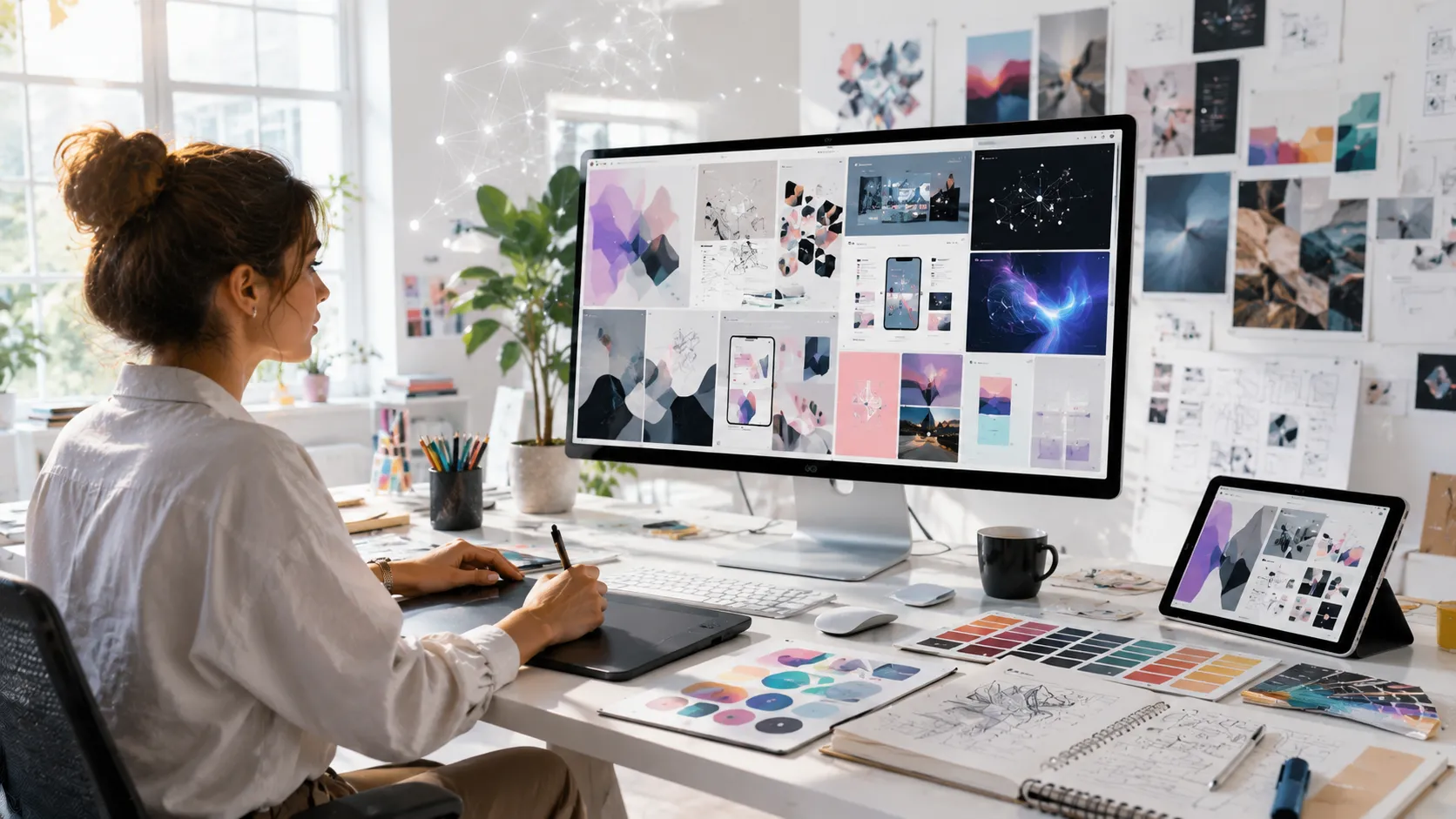
A couple of years ago, “AI design tools” mostly meant gimmicky logo generators and filters that made everything look like a neon sci‑fi poster. Today, they’re woven into real workflows from early concepting to production design and the best ones save serious time without flattening your creative voice. I’ve watched teams adopt these tools with equal parts excitement and skepticism. The pattern is usually the same: someone tries an AI feature, gets a weird but intriguing result, and then the team has to decide whether it’s a toy, a shortcut, or a new creative partner.
The honest answer is: it depends on the task, the tool, and the person using it. This article breaks down what AI design tools are good at right now, where they fall short, and how to use them responsibly especially if your work touches brand identity, product design, marketing, or UX.
What “AI Design Tools” Really Means
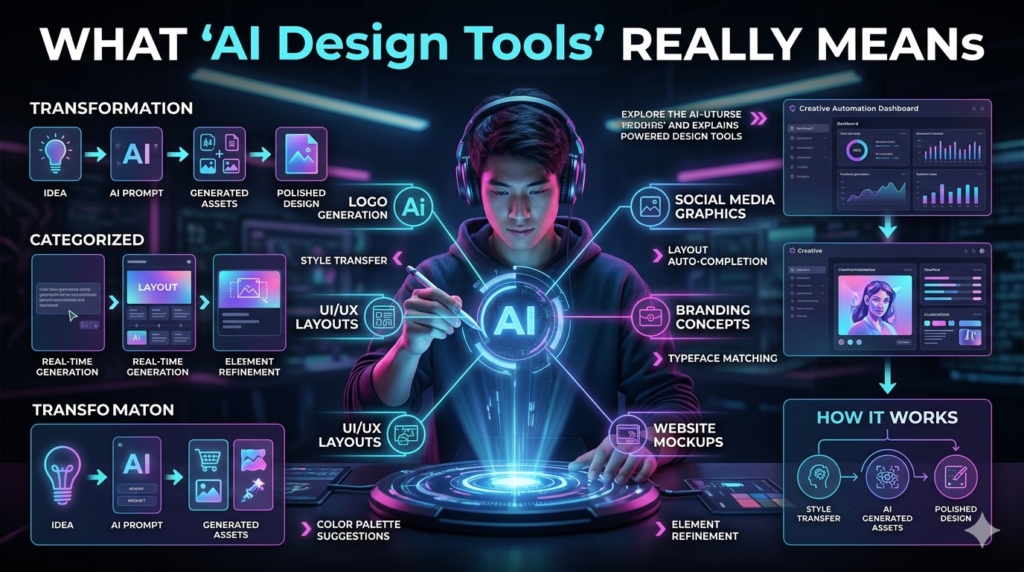
When most people say AI design tools, they’re bundling a few different categories:
- Generative image tools: (create visuals from text prompts or references)
- AI-powered editing: (remove objects, extend backgrounds, upscale images, color match, retouch)
- Layout and brand systems: (generate templates, variations, brand kits, social assets)
- UI/UX assistance: (wireframes, component suggestions, copy suggestions, design-to-code helpers)
- 3D and motion support: (texture generation, storyboard concepts, rotoscoping, background fills)
In practice, the “AI” part is less important than where the tool sits in your pipeline. Tools that help at the messy beginning (exploration) or tedious end (production cleanup) tend to deliver the biggest wins.
Where AI Design Tools Shine (Based on Real Workflow Pain)
1) Fast concept exploration (without committing too early)
The most valuable use I see is early-stage ideation. When you’re trying to answer, “What could this look like?” AI can generate a range of directions in minutes. A real example: a small e-commerce brand I worked with wanted a seasonal campaign that felt handmade but modern, and they kept bouncing between rustic and minimalist references. Instead of mood boarding for two days, we used AI image generation to explore 15–20 visual worlds quickly different lighting styles, materials, color palettes, and compositions. The output wasn’t final art (it rarely is), but it helped the client articulate what they liked: warm natural textures, not clutter; soft shadows, not harsh contrast. That clarity paid off when we moved into actual photography and layout.
Best practice: treat AI concepts like sketches, not deliverables. The value is directional alignment, not pixel-perfect final assets.
2) Production time-savers (the unglamorous stuff)
If you’ve ever spent an hour cutting out hair with a selection tool, you already know why AI editing features matter. Background removal, object cleanup, generative fill/extend, smart selections, and upscaling are huge. In marketing workflows especially social content speed is everything. AI tools can create quick variations: resize for formats, adapt compositions, generate background alternatives, or clean up product photos. This isn’t creative genius, but it’s the kind of grind that burns designers out.
Caution: always zoom in and inspect edges, hands, text, and repeating patterns. AI edits can look great at a glance and fall apart at 200%.
3) Brand consistency at scale (if your system is solid)
A surprising benefit of AI design tools is not creativity it’s consistency. When you have a defined brand system (type, color, spacing, imagery style), AI can help produce more on brand variations faster.
Think: a content team that needs 30 social assets per week. If you’ve built a strong template library and clear brand rules, AI assisted tools can generate variations without reinventing the wheel every time. The designer stays in control, but the team moves faster.
Reality check: if your brand foundation is messy, AI will amplify the mess. These tools don’t fix unclear branding; they scale whatever you already have.
4) UX/UI acceleration (with a big asterisk)
AI features in product design tools can speed up wireframing, suggest components, and help generate microcopy or placeholder content. That’s helpful but the risk is producing generic, same y interfaces that feel like they came out of one global template factory. Good UX still requires understanding users, context, accessibility, content strategy, and product constraints. AI can assist, but it doesn’t replace user research or the judgment you build after watching real people struggle with your design.
Use it for: quick drafts, content variants, or exploring layout options
Don’t use it for: skipping research, accessibility reviews, or design critique
Common Failure Modes (and How to Avoid Them)
“It looks cool, so it must be good”
AI outputs can be visually seductive. You’ll get dramatic lighting, cinematic depth, and premium vibes whether they fit the brief or not. That’s dangerous for branding. A healthcare product shouldn’t suddenly look like a luxury perfume ad.
Fix: tie every design decision back to a goal: audience, message, conversion, usability, trust.
The copyright and licensing grey zone
This is the part most people want to ignore until legal gets involved. The rules differ by tool, jurisdiction, and use case. Some platforms offer clearer commercial terms than others, and some enterprise plans include additional protections.
If you’re designing for clients, especially big brands, you need to ask:
- What is the tool’s policy on training data and output usage?
- Does the client require human-created assets only?
- Are you generating something in the style of a living artist (which is ethically fraught, and sometimes contractually prohibited)?
My stance: avoid mimicking identifiable living artists’ styles for commercial work. Even if you can, it’s a shortcut that erodes trust and can harm creatives.
The “uncanny details” problem
AI still struggles with certain specifics:
- hands, teeth, jewelry, logos
- readable text in images
- consistent characters across a campaign (though improving)
- product accuracy (especially if the product must match real dimensions)
If you’re doing packaging, product renders, or brand assets where accuracy matters, plan for human cleanup and manual rebuilds.
A Practical Way to Integrate AI Into Your Design Process
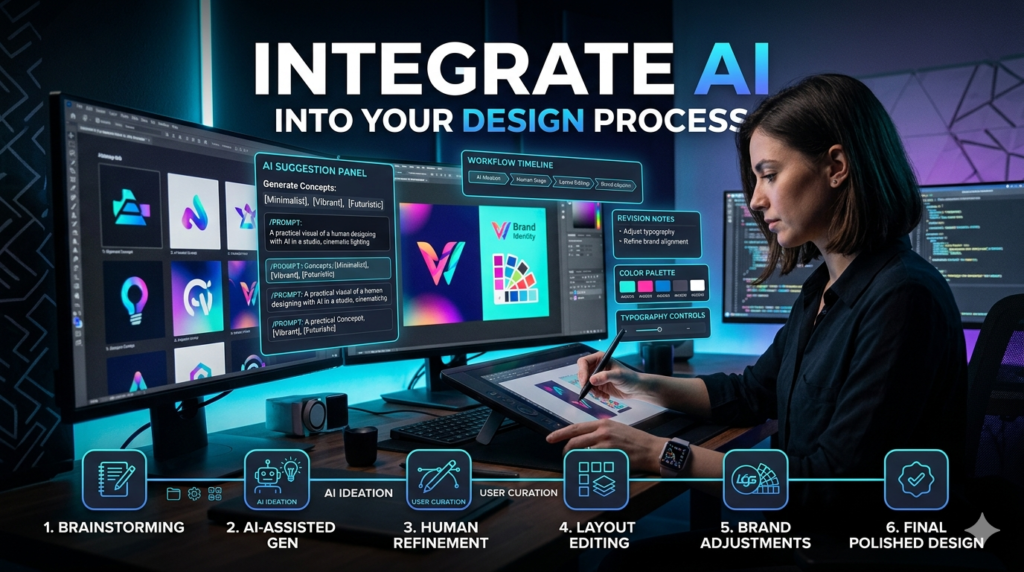
Here’s a workflow that tends to work well in real teams:
- Define the brief like a grown-up
Audience, purpose, deliverables, tone, must-have constraints (brand rules, legal, accessibility). - Use AI for exploration, not decision-making
Generate options to spark discussion. Save what’s useful, discard the rest quickly. - Curate and refine with traditional design thinking
Make choices based on hierarchy, readability, composition, and brand fit. Build the real design deliberately. - Do a quality and ethics pass
Check for visual artifacts, misleading imagery, bias issues, licensing concerns, and factual accuracy (especially in editorial content). - Document what you did
For client work, it helps to note where AI was used (concept stage vs final assets). Some clients care; some don’t but transparency prevents surprises.
The Human Skill That Matters More Than Ever: Taste + Judgment
The designers thriving with AI design tools aren’t the ones who can write the fanciest prompts. They’re the ones with:
- strong visual taste
- knowledge of typography and layout
- understanding of brand systems
- ability to critique and iterate
- empathy for users and customers
AI can generate options. It can’t tell you what should exist in the world, what’s appropriate for your audience, or what builds trust long term.
Looking Ahead: What I’d Bet On (and What I’d Be Wary Of)
Worth betting on:
- AI-powered production: cleanup, resizing, versioning, upscaling
- collaborative brand systems: generating on-brand variants from templates
- hybrid workflows: AI for concepts, humans for final craft and accountability
Be wary of:
- one-click full brand identity in 30 seconds promises
- replacing user research with auto generated personas
- using AI imagery in sensitive contexts (health, politics, news) without strict review
FAQs
Q: What are the best uses for AI design tools?
A: Early concept exploration, speeding up repetitive editing tasks, and generating variations within a defined brand system.
Q: Can AI design tools replace graphic designers?
A: They can replace some production tasks, but strong design still needs human judgment, taste, and accountability.
Q: Are AI-generated designs safe for commercial use?
A: Sometimes, but it depends on the tool’s license and your client’s requirements. Always review usage rights and avoid ethically questionable style imitation.
Q: Do AI design tools work for UI/UX design?
A: They help with drafts and variations, but they don’t replace user research, accessibility checks, or product strategy.
Q: How do I keep AI-generated work from looking generic?
A: Start with a clear brand system, use AI for exploration, then refine with real typography, layout discipline, and unique content.
