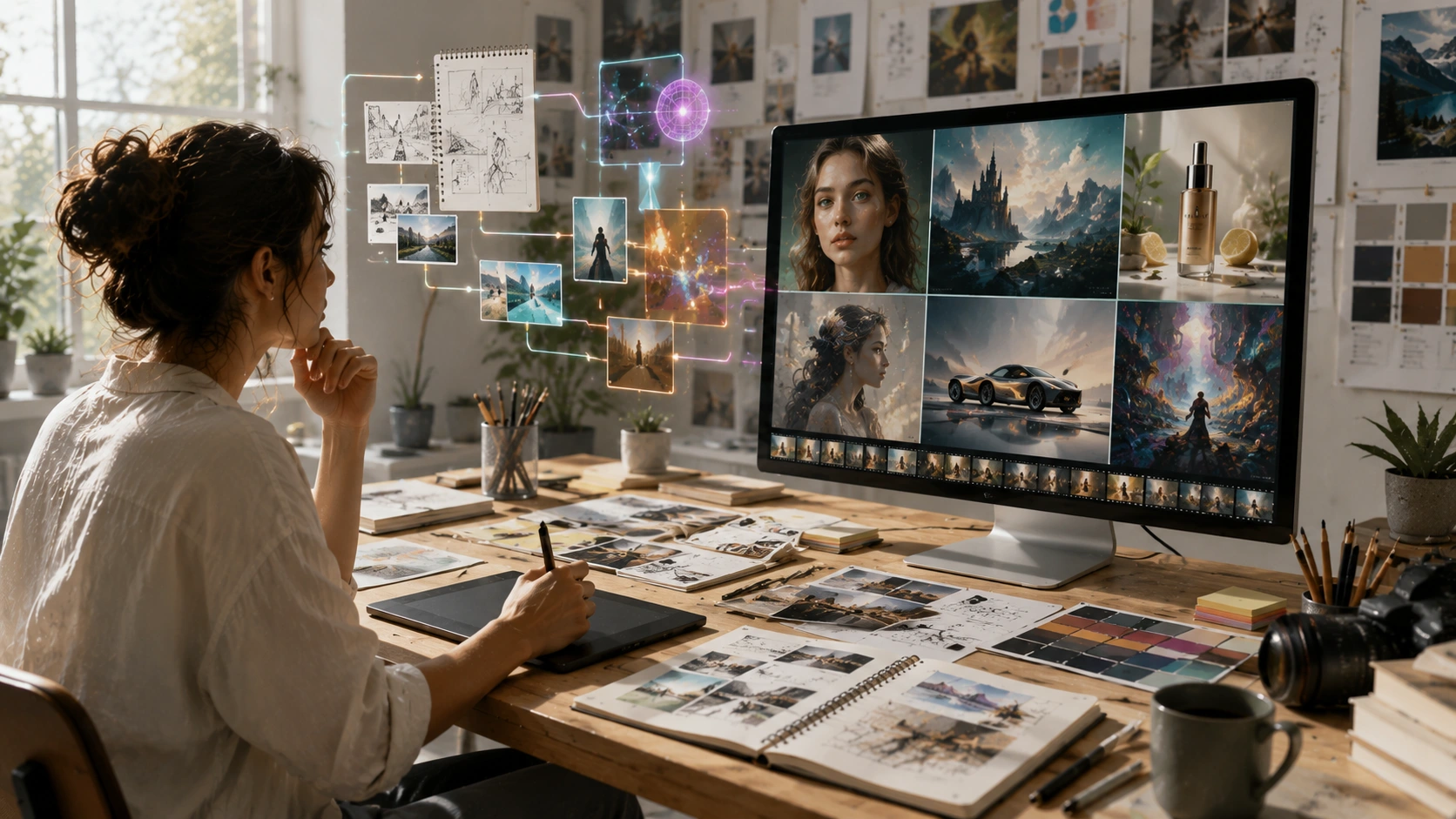
I still remember the first time I typed a detailed description into an AI image generator and watched a fully rendered, hyper-realistic portrait materialize on my screen. It was late 2022. My jaw literally dropped. But after the initial shock wore off, the reality of my day job as an art director set in. How does this actually fit into a professional, client-facing workflow?
Fast forward to today, and these platforms are no longer just neat party tricks. They are deeply embedded in creative pipelines across the globe. But they aren’t without their quirks, steep learning curves, and heavy ethical baggage. Let’s talk about what it’s really like to use an AI image generator in the trenches, away from the viral social media hype.
The Reality of the Workflow
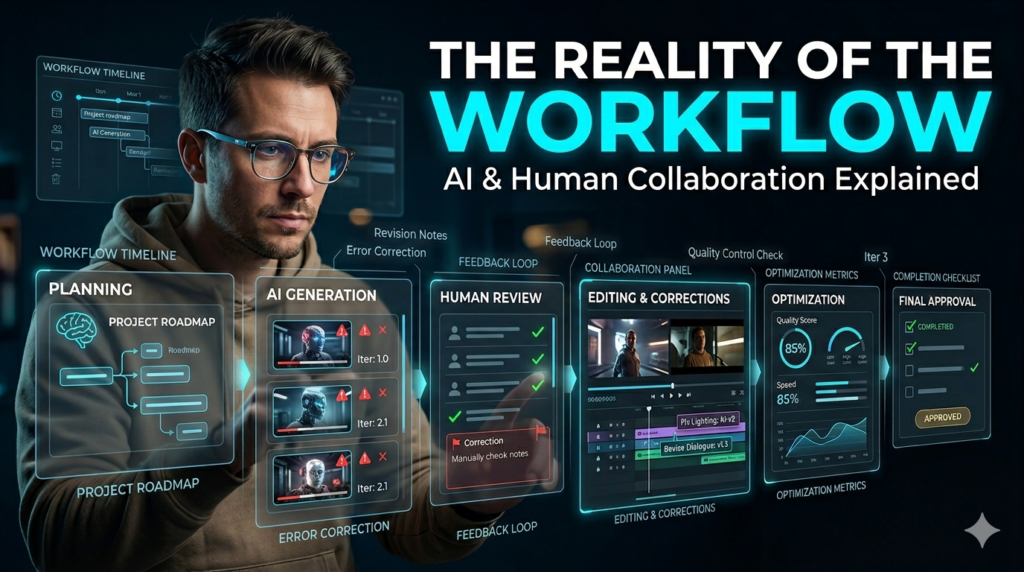
There is a massive misconception that you just type cool cyberpunk dog and instantly get a masterpiece. The reality? It takes serious iteration and a deep understanding of visual language. When I first started integrating this software into my workflow, I spent weeks just learning how to speak the machine’s language.
You have to understand lighting terminology, camera lenses, focal lengths, and specific art movements. If your written instructions are vague, the output will be generic. It’s less about typing and more about directing. You are essentially acting as a cinematographer and art director combined, guiding a very literal-minded digital assistant.
Where It Actually Shines: Real-World Applications
So, where does an AI image generator actually save time without sacrificing quality? For my team, the sweet spot is early-stage conceptualization. Last month, we needed to pitch a moody, atmospheric commercial for a beverage brand. Normally, we would spend three days sketching and pulling reference photos. Instead, we used a generative model to create a 20-frame visual storyboard in a single afternoon. We didn’t use those exact images for the final shoot, but it allowed the client to instantly grasp the lighting, color palette, and camera angles we were proposing. It got us to a yes three days faster.
Mood boarding is another massive use case. Instead of spending hours scouring stock photo sites for a very specific texture or color combination, we can synthesize a custom reference image in seconds. It acts as a visual springboard, giving our human illustrators and 3D artists a highly specific starting point.
The Glitches and Frustrations
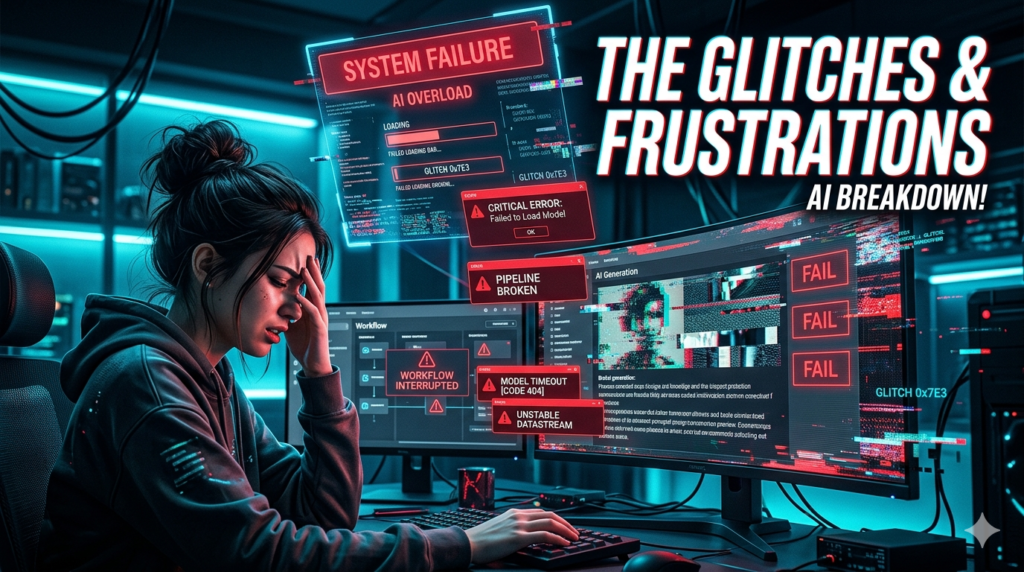
It’s not all seamless magic, though. If you use this software daily, you know the frustrations intimately. Consistency remains the biggest headache. You might generate a perfect character design, but the moment you ask the software to show that same character turning around or wearing a different shirt, they suddenly look like a completely different person. Maintaining character continuity across multiple frames requires complex workarounds and a lot of patience.
Then there is the issue of spatial reasoning. While the latest models have vastly improved, they still occasionally struggle with the physics of the real world. You’ll get a beautiful shot of a person sitting at a cafe, only to zoom in and realize their coffee cup is melting into the table, or their left hand has six fingers. It forces you to become a meticulous editor, constantly zooming in to check the fine details before showing anything to a client.
Navigating the Ethical Minefield
I can’t write about this technology without addressing the very valid backlash from the traditional art community. As a creative professional, this is the part that keeps me up at night. These models were trained on billions of scraped images, often without the original creators’ consent or compensation. It feels deeply uncomfortable to use a system that might be devaluing the very peers I respect. The industry is currently in a messy, transitional phase. We are seeing some positive shifts like Adobe training its models exclusively on licensed, opted-in stock photography but the broader legal and ethical landscape is still a Wild West.
Because of this, my agency has adopted a strict transparency policy. We never pass off machine-made visuals as human-made illustrations to our clients. We use the software for internal ideation, storyboarding, and reference gathering, but the final, polished assets are always created or heavily painted over by human artists. We have to protect the livelihoods of the creatives who make our industry what it is.
The Verdict
At the end of the day, an AI image generator is just a brush. It’s a highly advanced, incredibly fast brush, but it still requires a human hand to guide it. It lacks intention, lived experience, and the subtle emotional nuance that a human artist brings to a canvas.
If you treat it as a replacement for human creativity, you’ll end up with hollow, derivative work. But if you treat it as a collaborative partner a way to iterate faster, break through creative block, and visualize the impossible it becomes an indispensable part of the modern creative toolkit.
FAQs
Q: Can an AI image generator replace professional illustrators?
A: No. While it can produce stunning visuals, it lacks intentionality, emotional depth, and the ability to maintain strict stylistic consistency across a large project. It is best used as an assistive tool rather than a total replacement.
Q: Are images created with an AI image generator copyrighted?
A: Currently, in the United States, purely machine-generated images cannot be copyrighted. However, if a human artist significantly alters, paints over, or integrates the generated image into a larger, original work, that new human-authored composition can receive copyright protection.
Q: Why do generated images sometimes look slightly “off”?
A: Generative models predict pixel patterns based on their training data; they don’t actually understand real-world physics, anatomy, or spatial logic. This is why you sometimes see structural errors like warped backgrounds or incorrect limbs.
Q: Is it ethical to use these platforms for commercial work?
A: This is highly debated. Many professionals choose to use them only for internal brainstorming, mood boards, and storyboarding, ensuring the final commercial assets are created by human artists. Using platforms trained on ethically sourced, licensed data is also a safer commercial choice.
Q: What skills do I need to get good results?
A: You need a strong foundation in visual arts. Understanding photography (lighting, lenses, composition), art history, color theory, and design principles will drastically improve the quality of the text instructions you feed into the software.
