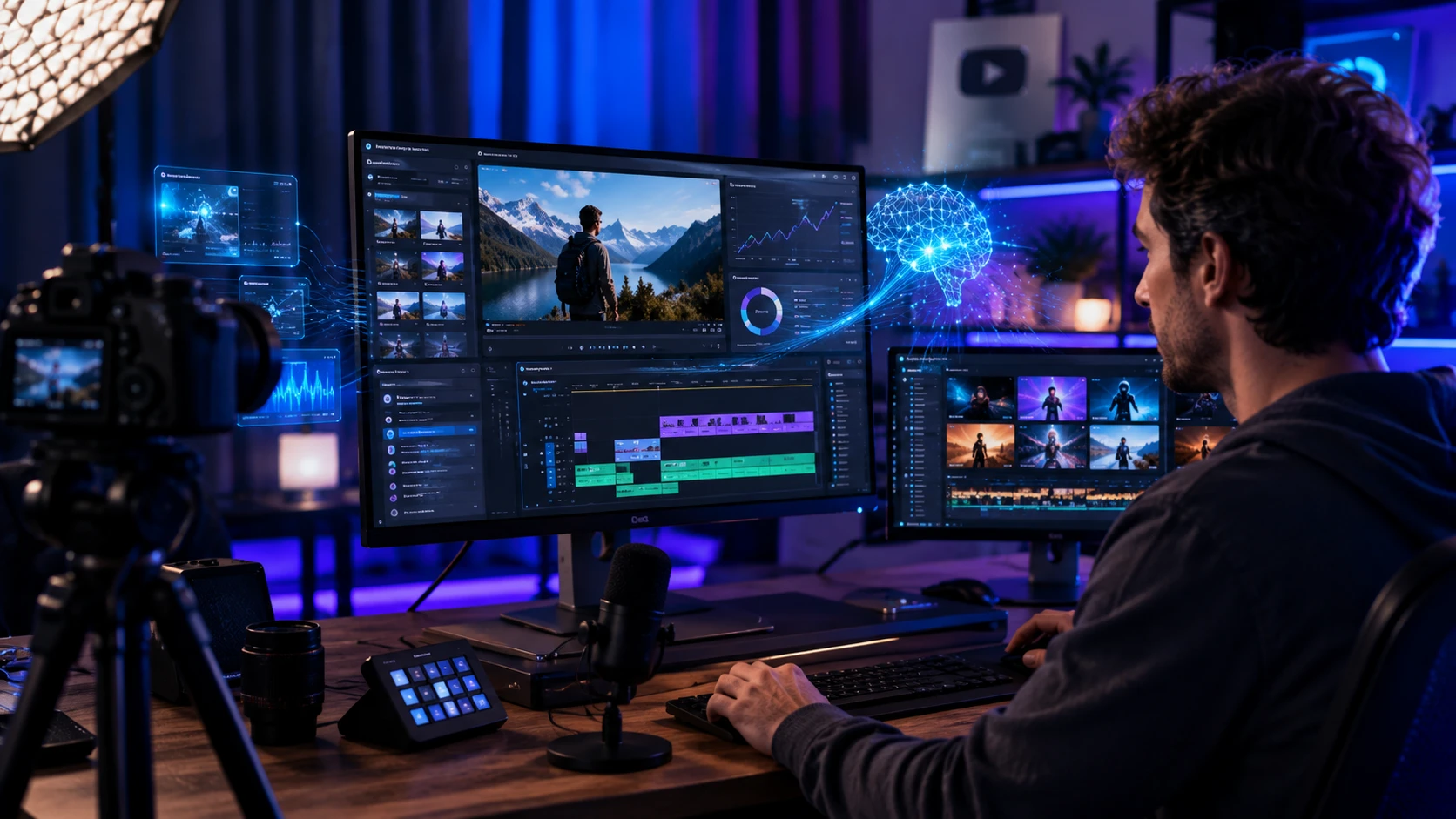
I’ve been creating for YouTube since the days when “HD” was a luxury and rendering a ten minute video meant leaving your computer on overnight. Fast forward to today, and my workflow looks nothing like it used to. My desk is still cluttered with hard drives and coffee mugs, but the software stack? That’s evolved. I’ve tested, subscribed to, and ultimately integrated a suite of AI YouTube tools into my production pipeline. Not because I want to be lazy, but because the platform demands consistency, and burnout is real.
If you’re a creator looking to leverage AI, you’ve probably been bombarded with promises of faceless channels and one-click viral videos. Let me save you some time and money: that’s mostly noise. The real value of AI in video creation isn’t automation for the sake of automation; it’s about removing friction so you can double down on creativity and connection. Here’s what actually works, what’s a waste of time, and how to use these tools without losing your soul (or your audience).
The Scripting Phase: Assistant, Not Author
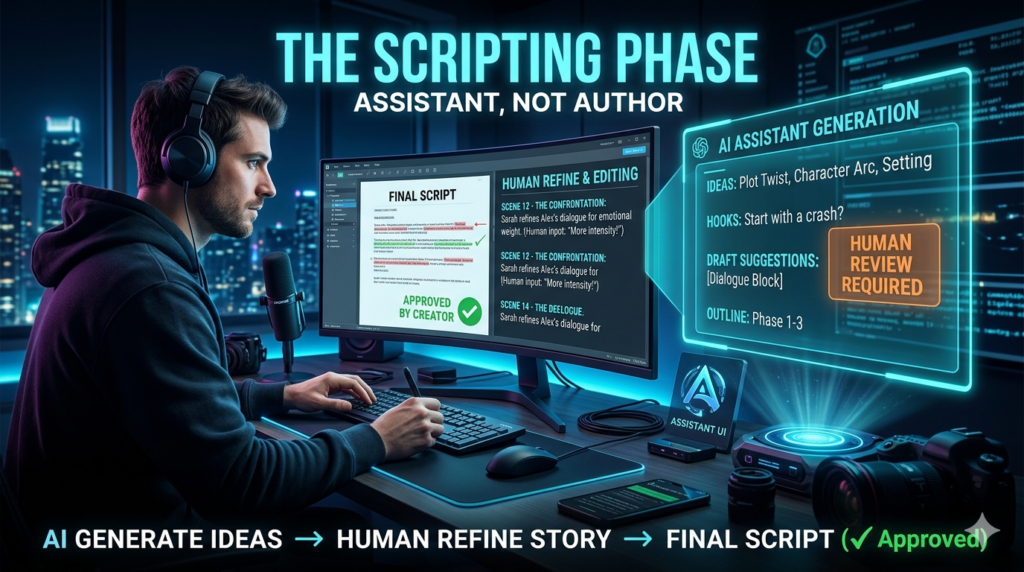
Early on, I made the mistake of letting an LLM write a full script. The result? A video that sounded like a Wikipedia article read by a robot. It was factually correct but emotionally dead. Views tanked. Now, I use script writing AI strictly as a brainstorming partner and structural editor. I’ll feed a tool my raw thoughts or a rough outline and ask it to punch up the hook or suggest three different angles for the intro. It’s incredible for breaking writer’s block.
For example, when I was stuck on a tutorial about color grading, I asked an AI tool to generate five common pain points beginners face with LUTs. It gave me a list that perfectly matched the comments section of my previous videos. I wrote the script based on those insights, keeping my voice and personal anecdotes intact. The video performed 40% better than average because it solved real problems, structured efficiently with AI help.
Pro-tip: Never copy paste. Use AI to organize chaos, not to generate your personality. Your audience subscribes to you, not a language model.
Editing: Where AI Earns Its Keep
This is where AI YouTube tools shine brightest. If you’re still manually cutting out silence and ums, you’re working too hard. I switched to text based editing workflows about two years ago, and it cut my editing time in half. Tools like Descript or the AI features in Premiere Pro allow you to edit video by editing the transcript. Delete a sentence in the text, and the clip disappears from the timeline.
I recently worked on a case study with a small tech review channel. They were struggling to post weekly because editing took 15 hours per video. We implemented an AI video editor workflow that auto removed filler words, balanced audio levels, and suggested B roll based on keywords in the script. The editor’s job shifted from mechanical cutting to creative pacing and storytelling. They hit weekly uploads within a month, and watch time actually increased because the pacing was tighter.
However, a warning: AI cuts can feel robotic. It removes the natural breath and pauses that make conversation feel human. I always go back and add breath room manually. If the edit feels too perfect, it feels sterile. Imperfection builds trust.
Thumbnails and SEO: The Click Through Battle
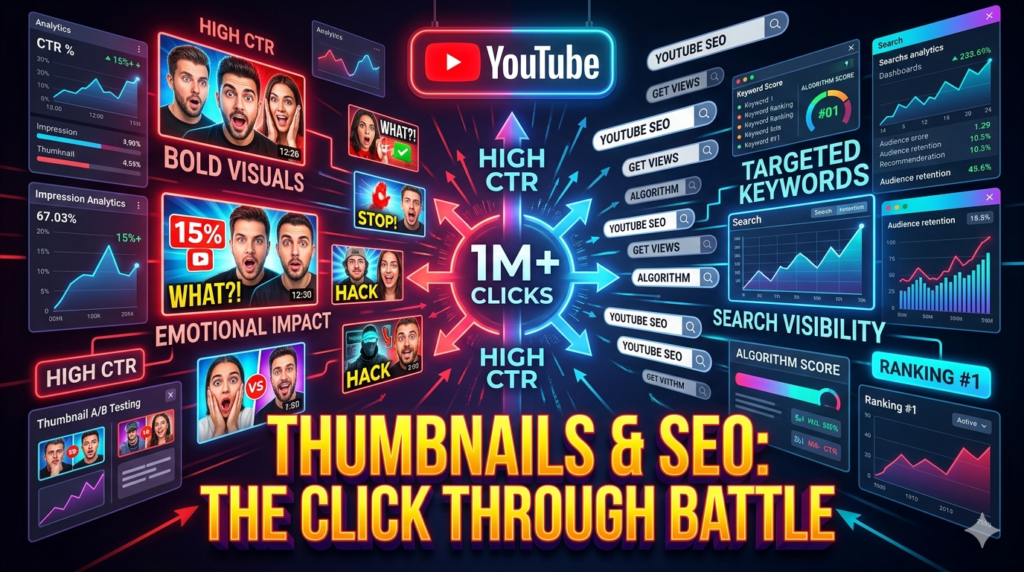
You can make the best video in the world, but if the thumbnail doesn’t pop, it doesn’t matter. I use AI thumbnail generators to create background elements and composite images, but I handle typography and facial expressions manually. AI image generators are fantastic for creating surreal or high concept backgrounds that would take hours in Photoshop. For a video on “Future of AI,” I generated a cybernetic workspace background, then layered my own photo and bold, readable text on top.
For SEO, tools like Vida and Tube Buddy have integrated AI coaches that analyze your title and description against top performing competitors. They’re great for sanity checks. I’ll draft a title, run it through the tool, and see if I’m missing a high volume keyword. But again, data isn’t destiny. Sometimes the AI suggests a click baity title that might get clicks but hurts retention. I balance the AI suggestion with what I know my community responds to. Authenticity beats algorithms in the long run.
The Ethics and Limitations: Don’t Become “Slop”
We need to talk about the elephant in the room. YouTube now requires creators to disclose when content is realistically altered or generated by AI. This isn’t just a rule; it’s a trust issue. I’ve seen channels explode in growth using AI voiceovers and stock footage, only to implode when the audience realized there was no human behind the brand. Comments turned toxic, and engagement vanished. If you use AI avatars or synthetic voices, be transparent. Better yet, use them only where they add value, like translating your content into other languages to reach global audiences.
I’ve started using AI dubbing tools to create Spanish versions of my tutorials, and the feedback has been overwhelmingly positive because I’m expanding access, not hiding behind a mask. Also, watch out for “AI slop.” The algorithm is getting smarter at detecting low effort, mass produced AI content. If your video offers no unique perspective, human experience, or value, it will struggle. AI can help you package value, but it can’t create value from thin air.
Final Thoughts
The best AI YouTube tools act like a power drill for a carpenter. They make the job faster and more precise, but they don’t replace the craftsmanship. My advice? Audit your workflow. Identify the repetitive tasks that drain your energy transcribing, rough cutting, brainstorming titles and apply AI there. Protect the parts of the process that require your unique voice, humor, and expertise. That’s where your competitive advantage lies.
Stay curious, test new tools, but always keep the human connection at the center. The creators who win in this era won’t be the ones using the most AI; they’ll be the ones using AI to be more human, more consistent, and more valuable to their viewers.
FAQs
Q: Will using AI tools get my channel demonetized?
A: No, using AI tools for editing, scripting assistance, or thumbnails is perfectly fine. Demonetization risks arise only if you use AI to create misleading, deceptive, or policy-violating content, or if you fail to disclose realistic AI-generated content as required by YouTube’s updated policies.
Q: What is the best free AI tool for YouTube beginners?
A: CapCut is a strong contender for beginners. It offers robust AI features like auto captions, background removal, and script-to-video templates for free. For SEO, the free versions of Vida or Tube Buddy provide helpful AI driven keyword insights.
Q: Are AI voiceovers bad for retention?
A: Not necessarily, but quality matters. Low quality, robotic voices can hurt retention. High end neural voices are getting better, but audiences generally prefer human narration for building connection. If you use AI voice, ensure the script is highly engaging and the pacing feels natural.
Q: How do I disclose AI content on YouTube?
A: When uploading, YouTube provides a checkbox in the Altered content section of the upload flow. You must check this if your content contains realistic AI generated scenes, faces, or voices that could mislead viewers. This adds a label to your video description or player.
Q: Can AI write my video descriptions?
A: Yes, and it’s great for that. AI can quickly generate SEO friendly descriptions with timestamps and keyword integration. Just review the output to ensure accuracy and add any personal links or calls to action that the AI might miss.
