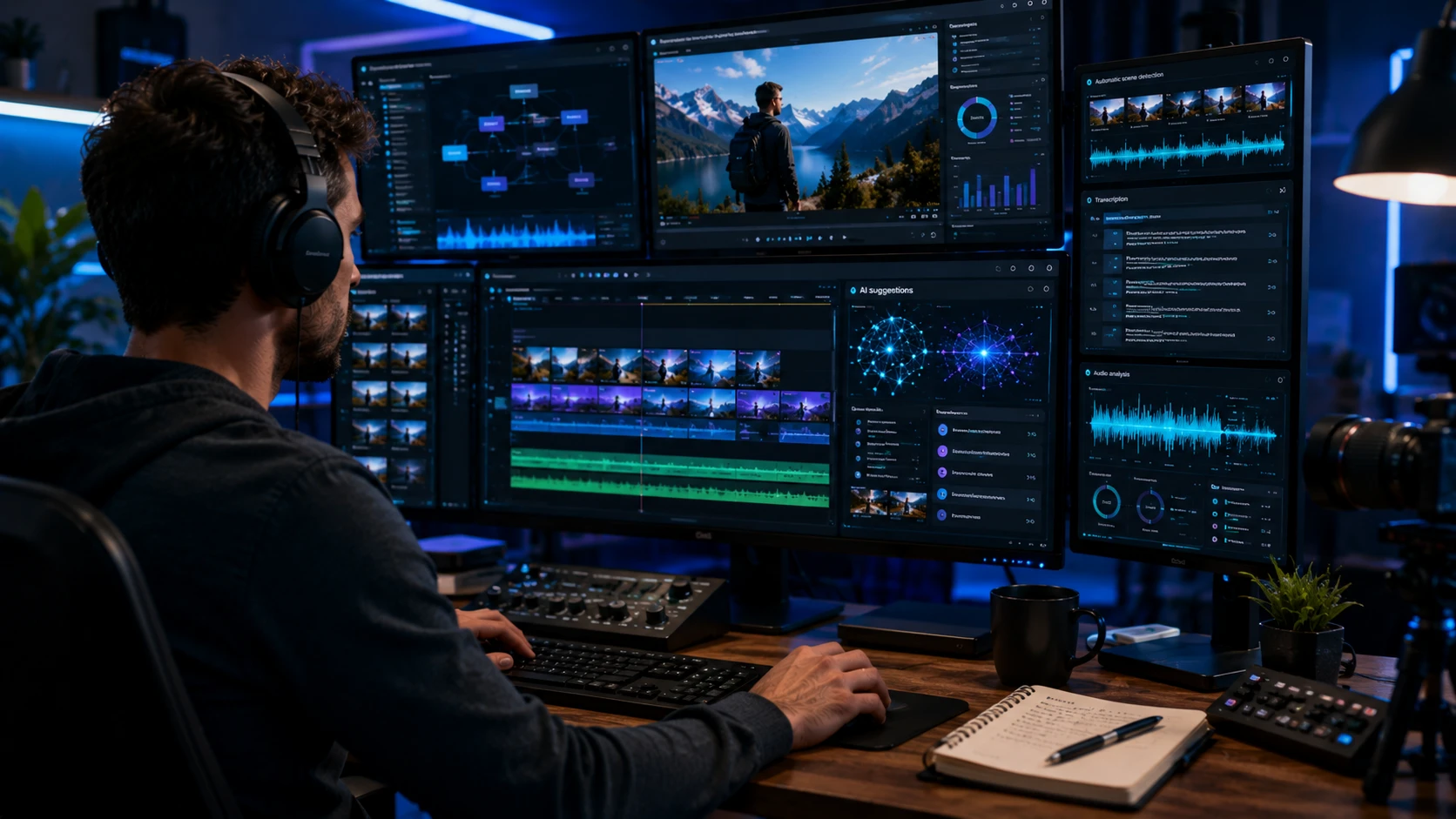
I still remember the first time I handed a rough cut over to an AI video editor. It was a Tuesday, I was three coffees deep, and a client’s product launch deadline was breathing down my neck. I dragged the footage in, toggled a few settings, and waited for the magic. What came back wasn’t a masterpiece, but it wasn’t garbage either. It was a surprisingly competent first draft. That afternoon shifted how I think about post production. AI video editors aren’t replacing editors. They’re quietly rewriting the job description.
What AI Video Editors Actually Do
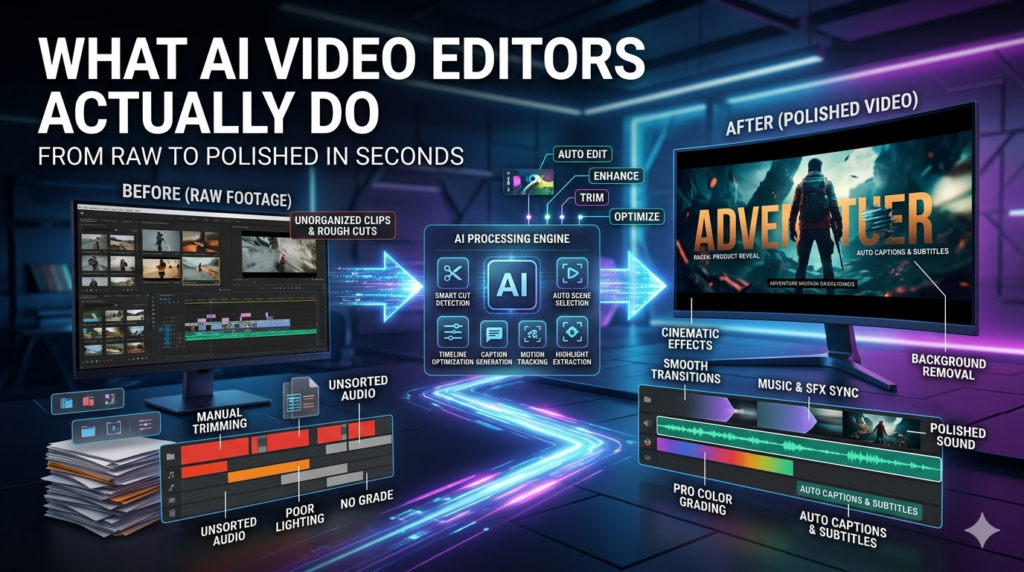
Let’s cut through the marketing noise. An AI video editor isn’t a robot sitting at a timeline making creative choices. It’s a stack of machine learning models trained to recognize patterns in footage, audio, and pacing. Modern AI-powered video editing tools can auto-transcribe speech, detect scene changes, strip filler words, match color grades, suggest cuts based on audio rhythm, and even generate B-roll from text prompts. Some platforms now handle multi cam syncing, audio ducking, and subtitle generation in a single pass.
The underlying tech leans on computer vision, natural language processing, and increasingly, diffusion models for visual generation. But here’s the catch most tutorials skip: AI doesn’t understand story. It understands probability. It predicts what a cut should look like based on thousands of hours of training data, not because it feels the emotional weight of a scene.
A Real-World Workflow
Last quarter, I edited a documentary style series for a mid sized nonprofit. We had forty hours of interview footage, a tight budget, and two weeks to deliver three episodes. Traditionally, that’s a scheduling nightmare. This time, I ran everything through an AI editing pipeline first. The software transcribed every interview, flagged vocal peaks, and auto-assembled rough sequences around recurring themes.
I still had to rebuild the narrative arc, tighten transitions, and fix the occasional bizarre cut where the algorithm mistook a thoughtful pause for dead air. But what used to take five days of logging and rough cutting took about six hours. The AI didn’t edit the film. It handed me a heavily annotated, semi-organized workprint. That’s where the actual value lives.
The Good, The Bad, and The Overhyped
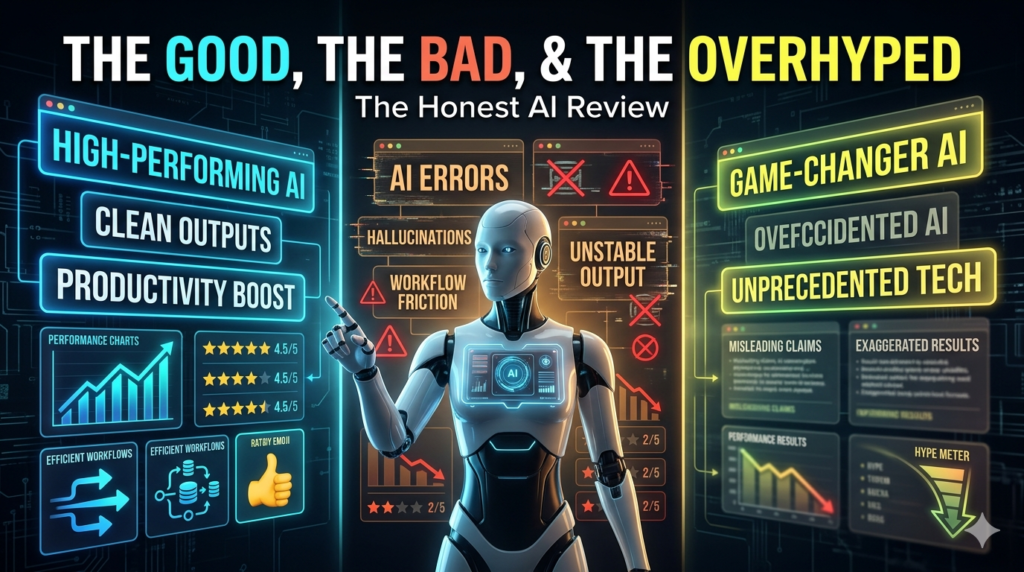
If you’re producing social clips, tutorials, or corporate content, automated video editing is genuinely transformative. Repurposing a long form podcast into ten vertical shorts used to require a dedicated editor. Now, AI can isolate highlights, reframe shots for 9:16, add captions, and balance audio with minimal supervision. The time savings are real, and for solo creators, that’s often the difference between scaling and burning out.
But the hype derails quickly when people expect cinematic intuition. AI struggles with subtext, comedic timing, and emotional pacing. I’ve watched AI-generated cuts that technically hit every beat but felt completely hollow. It’ll happily trim a powerful silence because the algorithm reads it as empty space. It’ll also overcorrect color grading, flatten dynamic range, or misidentify speakers in overlapping dialogue. And AI-generated B-roll? It’s improving, but it still carries that slightly plastic, uncanny look that screams assembled by committee.
Ethical and Practical Blind Spots
There’s a conversation we’re not having enough about. When AI edits your footage, who actually owns the output? Most cloud-based platforms claim broad licensing rights to uploaded media, which matters if you’re handling client work or sensitive interviews. Then there’s the bias problem. Training data skews toward certain accents, lighting setups, and facial structures. I’ve seen auto-captioning completely mangle regional dialects, and face-tracking lose subjects with darker skin tones in low light. These aren’t edge cases.
They’re systemic limitations that demand human oversight. The learning curve isn’t zero, either. AI video editors work best when you already understand traditional editing principles. If you don’t know why a jump cut works or how to pace a sequence, the AI’s suggestions will feel random. You’re not outsourcing creativity; you’re accelerating execution.
How to Actually Use Them Well
Treat AI like a highly efficient, slightly literal minded assistant. Define your narrative goal before importing footage. Use AI for the heavy lifting: transcription, sync, rough assembly, captioning, and audio cleanup. Then step in for the human work rhythm, emotion, context, and intention. Always review auto cuts frame by frame. Keep original project files separate from AI processed versions.
And never upload confidential or client owned material to cloud-based AI editing tools without checking their data retention policies. Local processing options are maturing fast, and they’re worth the extra setup time if privacy matters. The editors thriving right now aren’t the ones fighting AI or blindly trusting it. They’re the ones who’ve learned to direct it. They prompt carefully, iterate quickly, and know exactly when to override the algorithm. That’s the new baseline skill set.
The Bottom Line
AI video editing isn’t a shortcut to great storytelling. It’s a force multiplier for editors who already know how to tell stories. The tools will keep getting sharper, interfaces will simplify, and the line between automated and manual will blur further. But the core of editing knowing what to leave in, what to cut, and why it matters remains stubbornly human. Approach AI video editors with clear expectations and a healthy dose of skepticism, and they’ll save you hours, reduce fatigue, and free you up for the work that actually requires a pulse.
FAQs
Q: Can an AI video editor replace a human editor?
A: Not for narrative, emotional, or brand sensitive projects. AI handles repetitive tasks and rough assembly efficiently, but creative pacing, subtext, and intentional storytelling still require human judgment.
Q: Are AI video editors safe for client or confidential footage?
A: It depends on the platform. Cloud based tools often process uploads on external servers. Always review privacy policies, prefer local processing options when available, and get explicit client consent before uploading sensitive material.
Q: Do I need editing experience to use AI editing tools?
A: Basic familiarity helps significantly. AI suggestions make more sense when you understand pacing, continuity, and audio mixing. Beginners can still use them, but results improve dramatically with foundational knowledge.
Q: What’s the biggest limitation of AI-powered video editing right now?
A: Context awareness. AI can detect speech, faces, and scene changes, but it doesn’t understand narrative intent, emotional weight, or cultural nuance. It optimizes for patterns, not meaning.
Q: Which content benefits most from automated video editing?
A: Short-form social clips, tutorials, podcasts, corporate training, and repurposed long-form content. These formats rely on clear structure, consistent pacing, and high volume exactly where AI excels.
